D6 Connect

STEP-BY-STEP GUIDE

1. Download the app:

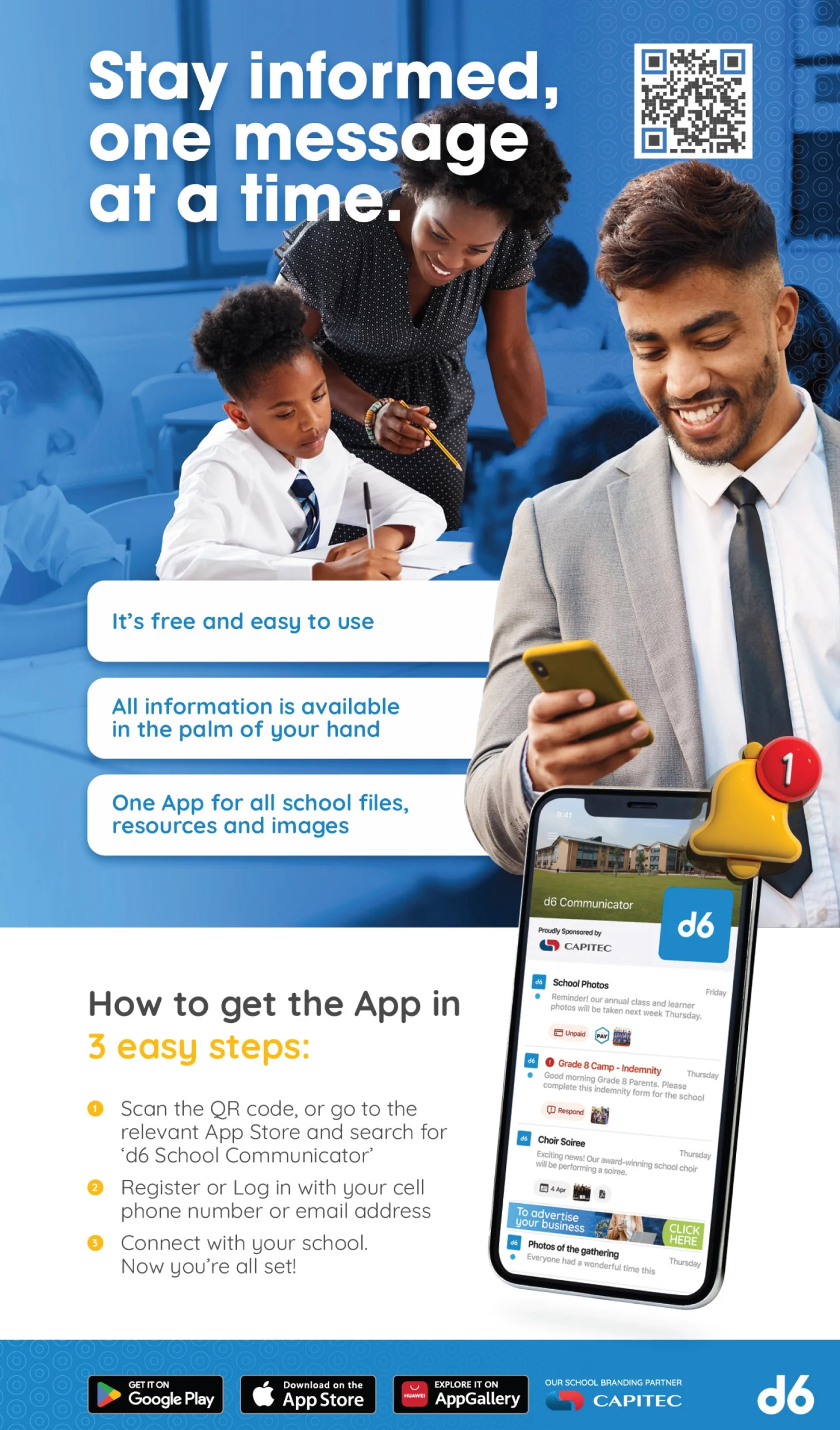
  • On your smartphone or tablet, go to the App Store (iOS) or Google Play (Android). App Store
  • Search for “d6 Connect” and install the app.

2. Open and register / log in:

  • Tap “Open” once installed.
  • The app will usually ask you to register. Use the same mobile number or email address that the school has on file for you.
  • Enter any required details (name, surname etc).
  • You may receive an OTP (one-time pin) or verification code to confirm your registration.

3. Link your child(ren) / select relevant school – Hermanus Pre-Primary School

  • After registering, link the app to your child(ren) at the school.

4. Set your preferences & profile:

  • Inside the app you will often find a “My Details”, “Preferences” or “Settings” menu: Update/change your contact info if needed.